
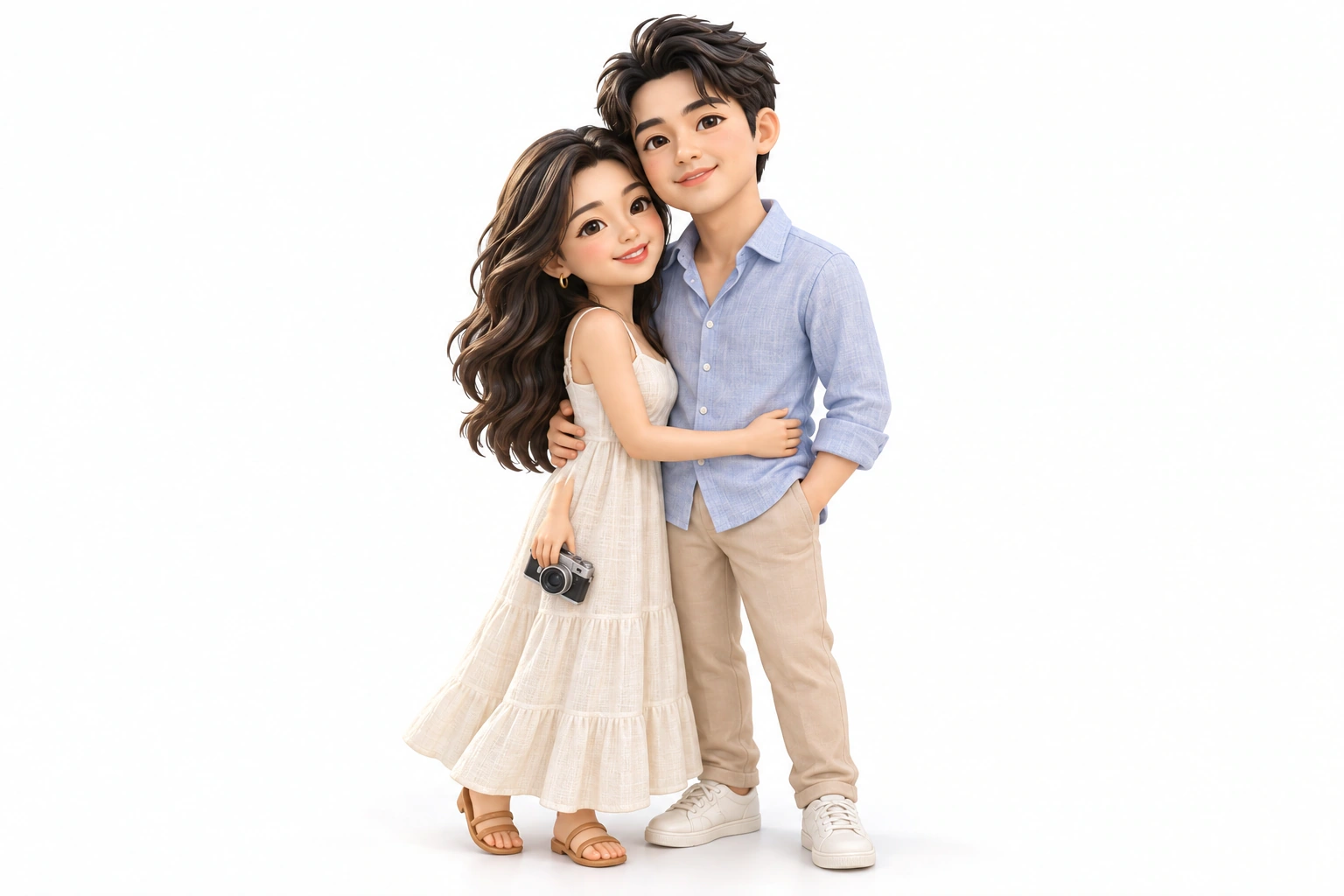
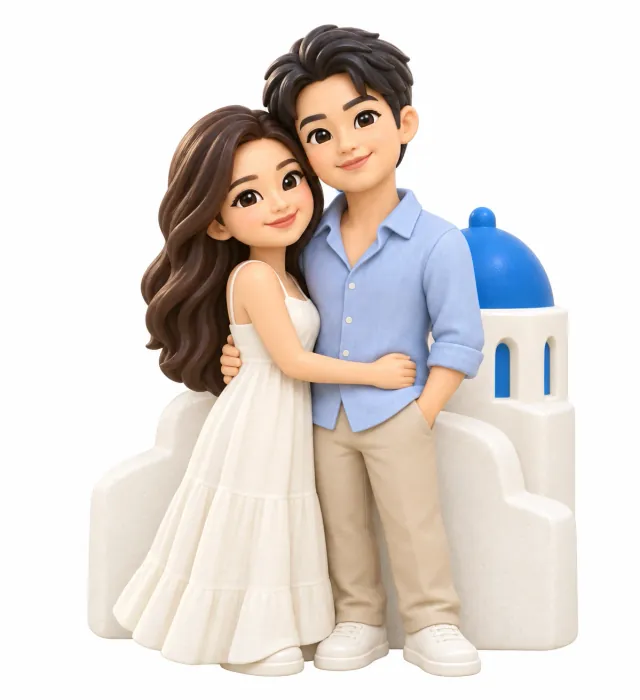
What Keepsaki is
Keepsaki is a website for making personal keepsakes from your own photos. It is built for travel memories, but works for any photo with a clear subject: people, pets, buildings, vehicles, food or a favorite object.
- Concept images (free previews)
- for the subject you choose, AI designs each form you pick and shows it twice: as a clean product image on white, and photographed in a real-life scene, such as a magnet on a fridge door.
- 3D model (paid)
- the concept you like becomes a downloadable 3D model (GLB file) that you can turn, measure and view at real size.
- Physical keepsake (paid)
- we 3D print the model in resin at the size you choose (3–40 cm) and paint it by hand, then ship it to you.
- Collection
- everything you make is kept in your private collection, shown as a 3D photo album.
The site is available in English, Chinese (中文), Italian and Spanish. AI-written text, such as subject names and suitability notes, follows the language of the page you are using.
From photo to keepsake, step by step
Sign in
Use Google, or an email address and password (a 6-digit code confirms your email when you register). Creating needs an account so your photos stay private to you.
Upload a photo
JPEG, PNG or WebP, up to 12 MB. It goes straight into your private collection.
Choose the subject
AI looks at the photo and suggests 1–8 subjects it can actually see, such as a person, a building, an object or a pattern, with a note on which forms each subject suits.
Choose forms and see concepts
Pick 1–4 forms. For each form you get a product image and a lifestyle-scene image. Choose the one you like best.
Make the 3D model
Add the date of the memory and a short note (up to 100 characters; a capture date or place name in the photo is filled in for you), pay the model fee, and Keepsaki builds the 3D model. You can turn it, set which side is the front, and download it.
Choose a size and bring it home
Preview the model at real size on a desk, choose 3–40 cm, and order the painted resin keepsake.
Each finished step is saved, so you can leave and come back. The Create page lists your three most recent creations; My collection shows every finished model.
Which photos work best
- One clear subject that is not cut off or hidden behind other things. Several subjects are fine; you choose one per keepsake.
- Good light and focus. Faces, clothing colors and shapes need to be visible for the design to keep them.
- A recognizable view. For buildings, vehicles and objects, a view that shows the outline works better than an extreme close-up.
- Your own photo, or one you have permission to use. Ask the people in it before turning them into a keepsake.
AI only uses what is in the photo. It does not invent people or landmarks, and a single photo cannot show hidden sides, so the back of a model is reconstructed in a plausible, simplified way.
Some subjects do not translate well into a small painted object: mostly transparent or liquid things (glass, water, screens), subjects whose identity depends on fine text or logos, and very thin structures (wires, railings, lace). AI marks these as unsuitable for a form and explains why, so no free preview is spent on them.
What you can make: scenarios and ideas
These are the kinds of photos people turn into keepsakes, with the forms that usually work best. Any form can be tried; AI tells you when a subject does not suit one.
Travel landmarks
- Typical subjects
- Temples, towers, bridges, churches, a red phone box, a lighthouse
- Forms that work well
- Magnet
- relief
- scene miniature
- ornament
- Tip
- Pick a view that shows the silhouette; distinctive colors read well at small sizes.
Street scenes and markets
- Typical subjects
- A street-food cart, a market stall, a café front, a tuk-tuk
- Forms that work well
- Scene miniature
- magnet
- relief
- Tip
- Open structures such as cart frames are filled into solid panels so they can be printed.
Vehicles
- Typical subjects
- Safari jeep, vintage car, camper van, scooter, boat, train, bicycle
- Forms that work well
- Keychain
- figurine
- scene miniature
- Tip
- Thin parts (antennas, spokes, ropes) are thickened or simplified.
Couples and friends
- Typical subjects
- A shared pose on a trip, a proposal, best friends
- Forms that work well
- Figurine
- scene miniature
- magnet
- Tip
- Clothing colors and the pose carry the likeness; keep faces visible.
Family
- Typical subjects
- Parents and kids, grandparents, a family outing
- Forms that work well
- Figurine
- relief
- scene miniature
- Tip
- Up to a few people work best in one keepsake; large groups are simplified.
Pets
- Typical subjects
- Dogs, cats, rabbits, birds, a pet asleep on a sofa
- Forms that work well
- Figurine
- keychain
- magnet
- ornament
- Tip
- A clear full-body photo keeps markings and posture; whiskers and fine fur become painted detail.
Weddings and anniversaries
- Typical subjects
- The couple, the venue, the cake, a first dance
- Forms that work well
- Figurine
- relief
- ornament
- Tip
- Veils and lace are made solid; the dress shape and colors are kept.
Homes and places
- Typical subjects
- Your house, a childhood home, a holiday cabin, a favorite café
- Forms that work well
- Relief
- scene miniature
- magnet
- Tip
- A straight front view of the building gives the cleanest relief.
Food and drink
- Typical subjects
- A memorable meal, street food, pastries, a coffee
- Forms that work well
- Magnet
- keychain
- scene miniature
- Tip
- Drinks and glasses are shown with opaque painted surfaces.
Hobbies and objects
- Typical subjects
- A guitar, a camera, sneakers, a surfboard, a favorite toy
- Forms that work well
- Keychain
- figurine
- ornament
- Tip
- Brand logos and small text are left off; the shape and colors stay.
Nature and animals in the wild
- Typical subjects
- A cactus, a palm tree, a tortoise, a giraffe on safari
- Forms that work well
- Figurine
- magnet
- scene miniature
- Tip
- Choose one plant or animal rather than a wide landscape.
Patterns and motifs
- Typical subjects
- Tiles, textile prints, a mosaic, a painted door
- Forms that work well
- Relief
- magnet
- ornament
- Tip
- Patterns are simplified into a few bold painted color areas.
Gifts and occasions
- Typical subjects
- Graduation, a new home, a retirement, a team trip
- Forms that work well
- Figurine
- relief
- magnet
- Tip
- Add a date and note to the memory; they stay with the creation in your collection.
Wide landscapes, crowds and night skies rarely make good keepsakes on their own. Pick one element from them instead, such as a single tree, a boat or one person.
The six keepsake forms and their scenes
Every concept comes as two images: a product image on a plain white background, which is what the 3D model is built from, and a lifestyle image that shows the same object in a believable place in a home.
Figurine
A free-standing, fully three-dimensional sculpture with slightly stylized proportions, finished on all sides. It stands on its own flat base.
Lifestyle scene in the conceptOn a wooden bookshelf or desk next to books and a small plant, in daylight from a window.
Fridge magnet
A bas-relief with a completely flat back and a compact outline, at most about a quarter as deep as it is wide. Details are raised layers on the front.
Lifestyle scene in the conceptOn a home refrigerator door among one or two other magnets and a paper note.
Keychain
A small, thick, rounded charm without sharp parts, with a built-in tab and hole for a key ring. The ring itself is not part of the model.
Lifestyle scene in the conceptHanging from a split ring with house keys, on a wooden table or held by the ring.
Hanging ornament
A balanced, fairly flat piece finished on front and back, with a sturdy loop at the top so it hangs upright.
Lifestyle scene in the conceptHanging by a ribbon from a shelf hook or window frame in a cozy room.
Scene miniature
The subject together with a small, simplified piece of its setting, all on one shallow solid base.
Lifestyle scene in the conceptOn a living-room shelf or side table beside books and a small lamp.
Relief display
The subject in raised relief on a flat rectangular or rounded panel with a simple border and a flat back.
Lifestyle scene in the conceptOn a small easel on a desk, or on a light wall above a shelf.
You can pick up to four forms per run. Each form is designed separately with its own rules, so the magnet and the figurine of the same subject look like different products, not one image on two shapes.
How designs are adapted for printing and painting
Every keepsake is resin 3D printed at about 3–40 cm and painted by hand, so each concept is drawn as something the workshop can actually make:
Solid and closed
No hollow insides or see-through gaps. Open frames, railings and chair backs become solid panels or raised relief.
Nothing transparent or reflective
Glass, windows, water and screens are painted as opaque surfaces.
Sturdy parts
Anything sticking out is at least about 2 mm thick at final size; thin wires, straps and loose hair are thickened or joined to the body.
Everything connected
No floating or loose pieces, no chains.
Simplified detail
Fine patterns, small text and logos become a few bold shapes and plain color areas.
Paint-friendly colors
About 6–10 flat matte colors with clear edges; no metallic, glossy or gradient effects.
No lettering
Signs keep their shape but are left blank.
The 3D model
When you choose a concept and pay the model fee, Keepsaki first draws reference views of the same object from other sides (for example the back), always anchored to the front you chose. A 3D model is then built from those views.
- Price
- shown on the button before you pay (currently US$9.90). It covers one design. Payment opens a secure hosted checkout, such as Stripe, in a new window; generation starts once the payment is confirmed.
- Format
- GLB (binary glTF), which opens in most 3D viewers, game engines and slicers.
- Turn it
- if the model does not face you, use Turn left, Turn right, Tip forward or Tip back (90° steps). This browser remembers the front you choose for that model.
- Download
- “Download model” saves the GLB file. It is included in the model fee and is for personal, non-commercial use, including printing it yourself.
- If generation fails
- the model is generated again or the fee is refunded. You are never charged twice for the same design.
Choosing a size
Size is the longest edge of the keepsake. Pick 6, 8, 10, 12 or 15 cm, or enter any size from 3 to 40 cm (one decimal place). Width, depth and height follow the model’s proportions; the page shows all three.
A real-size preview places the model on a desk next to a phone, so you can judge how big it will feel. The price for that size, including shipping, appears next to it.
Ordering a physical keepsake
- From the size step, add the model to your cart. One order can combine several models and sizes, with a quantity of 1–20 for each.
- At checkout, choose or add a delivery address (recipient, phone and full address) and the email for order updates, and accept the Terms and Privacy Policy. The price is calculated for your exact basket plus one shipping fee per order, and refreshed if you wait.
- Pay securely with Stripe. Keepsaki never sees your full card number.
- Production
- about 15 days, plus shipping time.
- Updates
- you get an email when the order is confirmed and when it ships, with tracking details.
- Statuses
- Preparing, In production, Shipped, Delivered (or Cancelled). Pending payments can be completed from the order.
- Damage
- if a keepsake arrives damaged, tell us within 14 days for a replacement or refund. Custom-made items cannot be returned for a change of mind.
- Tracking
- open Orders to see each order’s payment and production status and its tracking link.
- Addresses
- save, edit or remove delivery addresses under Addresses.
Only a model you have paid for can be ordered as a physical keepsake.
Your collection
My collection is a 3D photo album of your finished models. Each page shows the photo, the memory date and note, and the model, which you can rotate. Drag to turn the pages. “Open keepsake” reopens that creation on the Create page, where you can download the model or order it in a size.
An empty collection stays a closed book until your first model is ready. Unfinished creations are not in the album; the Create page lists your three most recent ones, with their status, so you can pick up where you left off.
Previews and pricing
Photo analysis
Uses 1 preview
Failed or cancelled previews are not counted.
Concept images
Uses 1 preview per form
Each form you pick uses one preview; its lifestyle scene is included.
3D model
US$9.90 per design
Shown before you pay. Includes both downloads (a light web version and the full-detail file for 3D printing) and 30 bonus previews.
Physical keepsake
Depends on form and size, plus shipping
Calculated at checkout for your exact basket. Includes 60 bonus previews; if you bought that 3D model in the last 30 days, its fee is credited.
Preview pack
US$9.90 for 50 previews
One-time purchase from the Create page.
Every new account starts with 10 free previews, and previews never expire. Your balance is shown on the Create page. When it runs out, buy a preview pack or make a 3D model from a concept you already have; concepts you already made stay available. Current amounts are always shown in the app and may change.
Privacy and your photos
- Photos and everything generated from them are kept in private storage that only your account can open. They are never used for advertising or as public samples.
- Capture date and place are read in your browser; only what you confirm is saved as memory details.
- Your photo is analyzed and turned into concept images by OpenAI (GPT-6 and gpt-image-2, United States). The 3D model is made by Tripo H3.1 on Alibaba Cloud Model Studio (Bailian, Beijing region). Our servers and database are in the Netherlands.
- To delete your account, photos and models, email contact@keepsaki.com from your account address. Keepsaki is for people aged 16 and over.
Read the full Privacy Policy and Terms of Use.
Getting help
Email contact@keepsaki.com with your order number (shown as #XXXXXXXX in order emails) or the creation you need help with.
Frequently asked questions
Do I need to pay to try it?
No. Every new account gets 10 free previews for photo analysis and concept images. You pay only for a 3D model, a physical keepsake, or an extra preview pack.
Can I 3D print the model myself?
Yes. The GLB download is for personal, non-commercial use, which includes printing it yourself.
What if my keepsake arrives damaged?
Email contact@keepsaki.com within 14 days with your order number and a photo; we replace it or refund you.
Can I make a keepsake of my pet?
Yes. Pets work well as a figurine, keychain, magnet or ornament. Use a clear photo that shows the whole animal and its markings.
Can several people be in one keepsake?
Yes, a couple or a small group can stay together, especially as a figurine or scene miniature. Very large groups are simplified.
Will the keepsake look exactly like my photo?
It is a stylized, hand-painted interpretation: proportions are slightly chunky, colors are simplified to about 6–10 flat matte tones, and small text is left off. The concept image shows the look before you pay.
Why was a form marked as unsuitable?
AI judged that the subject cannot become that form well, for example a wide landscape as a keychain or a glass bottle as a figurine. The note tells you why, and no preview is spent on it.
What file do I get for the 3D model?
A GLB file. Download it from the model step; from your collection, use “Open keepsake” to get back to it.
How big can the keepsake be?
From 3 to 40 cm along its longest edge.
How long does delivery take?
Production takes about 15 days, plus shipping time. You receive an email when it ships.
Which languages are supported?
English, Chinese, Italian and Spanish. Subject names and notes are written in the language of the page.
Is my photo public?
No. Photos and creations are private to your account and are not used as samples or for advertising.